Go through the whole card. Keep the moments.
FlashRAW opens a folder of RAW files straight from the card — no import, no catalog — and shows each photo the moment you press the arrow key. Rate, label, and send the keepers on.
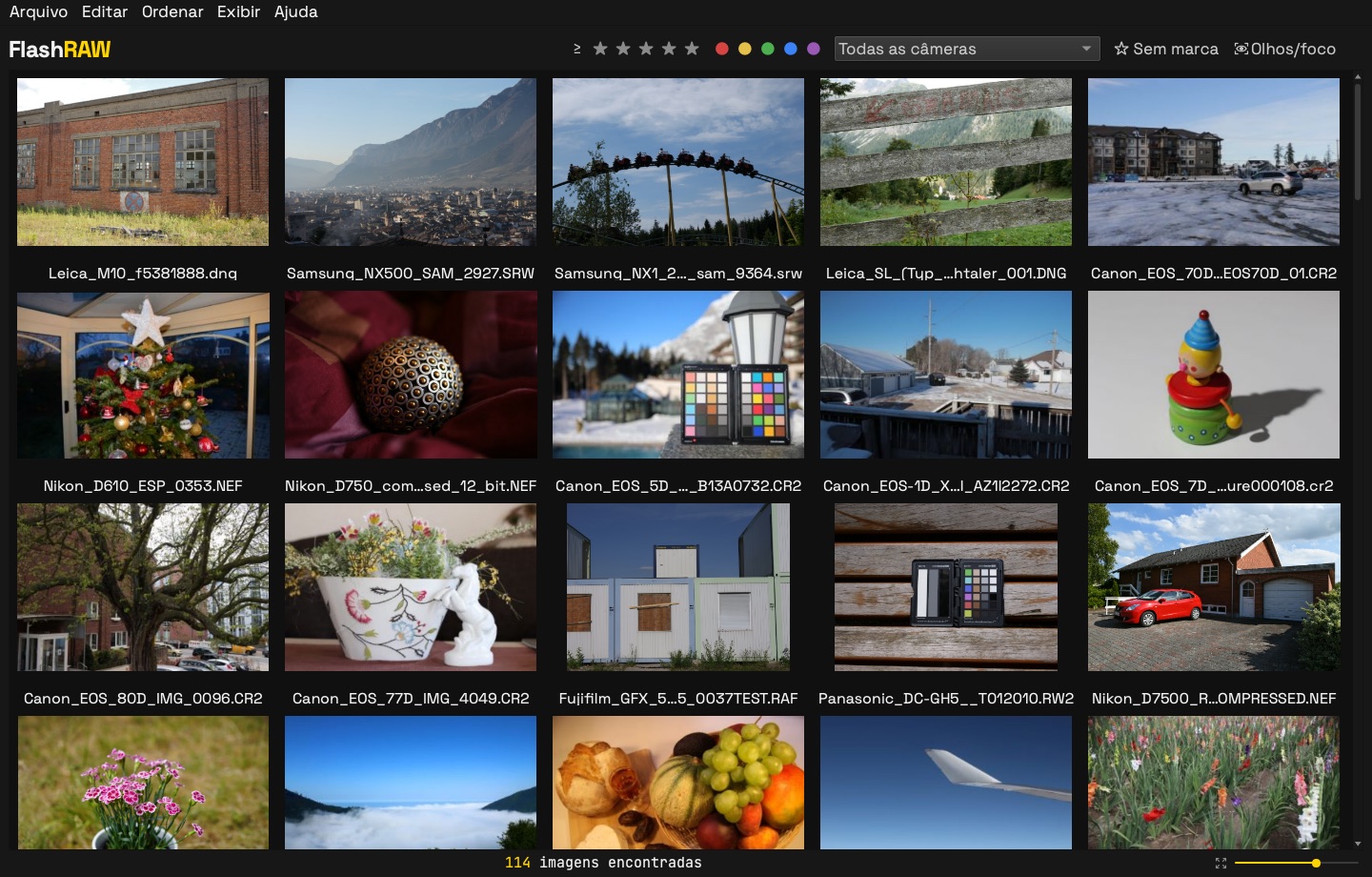
114 RAW files from dozens of cameras. Sample photos: raw.pixls.us (CC0).
From card to editor in three moves
The same order you already work in, without waiting on each photo.
Open the folder
Point FlashRAW at the card or the job folder. Thumbnails come from the previews already inside each RAW, so there's nothing to import.
Mark
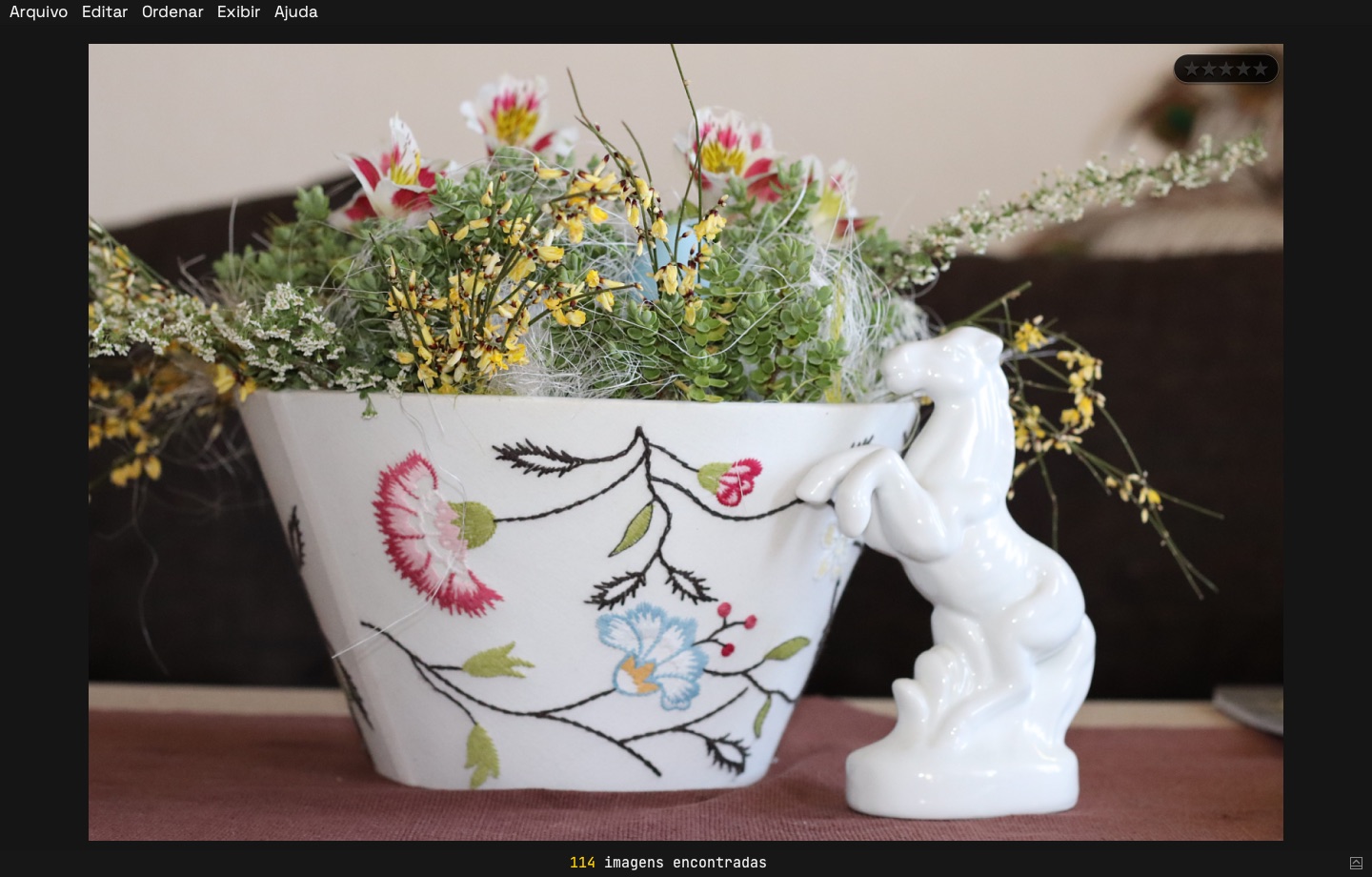
Stars, color labels and 100% zoom, all from the keyboard. Marks go into XMP sidecars next to each RAW.
Deliver
Copy the keepers with their XMP to your editing folder, or export JPGs for a quick preview.
Built for weddings and events
Thousands of frames, several bodies, one evening to get through them.
Focus check
Flags frames where the focus clearly missed, so you look twice before keeping them. It runs in the background and pauses while you browse.
One photo per burst
Show only one frame of each sequence to move through bursts faster, then open the sequence to choose.
Several cameras, one timeline
Sort by capture time across bodies and correct a camera whose clock was off.
Works with your editor
Ratings and labels are standard XMP: Lightroom and Photo Mechanic read them, and FlashRAW keeps their fields intact.
Your photos stay with you
Everything runs on your computer. FlashRAW never uploads photos.
Your cameras
Canon CR3 and CR2, Nikon NEF, Sony ARW, Fujifilm RAF, Panasonic, Leica, DNG and more.
Pricing
Try everything free for 14 days. Prices appear in your currency; Paddle handles payment, taxes and invoices.
Perpetual license
Pay once and keep FlashRAW 1.x, with every 1.x update. The next major version is a paid upgrade.
Yearly
Always the latest version while subscribed. Cancel any time.
Monthly
For the busy season. Cancel any time.
Download
The full app, free for 14 days. Enter your license key in Ajuda › Licença… when you buy.
Mac: open the .dmg and drag FlashRAW to Applications. The first time, macOS says it can't verify the developer: open System Settings › Privacy & Security and click Open Anyway.
Windows: unzip and run FlashRAW.exe. If SmartScreen appears, click More info › Run anyway.